Upload your deck
Drag in any PowerPoint, PDF, or Keynote file. Slidenote generates a 6-digit access code and shareable link in seconds.
Quiet classrooms hide what's really happening. Slidenote puts live comprehension signals on every slide so you can adjust before the lecture ends — not after the midterm.
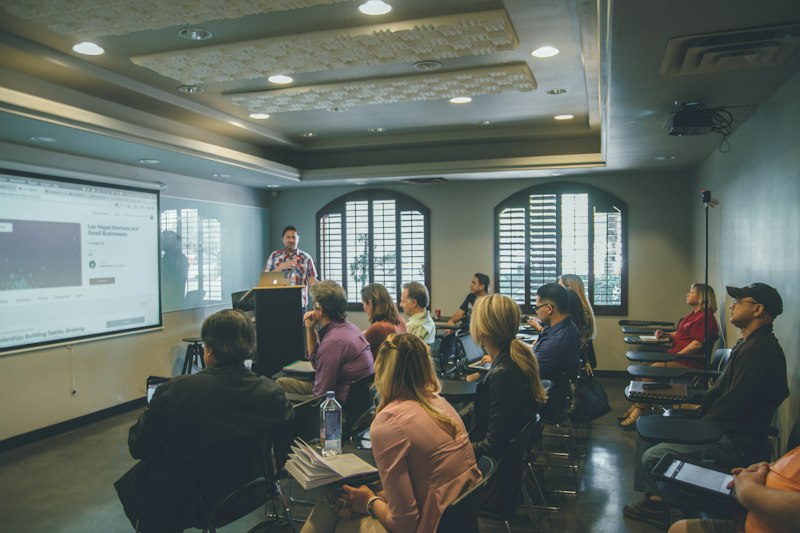
Bring your existing slide deck. No new tools to learn, no templates to migrate to.
Drag in any PowerPoint, PDF, or Keynote file. Slidenote generates a 6-digit access code and shareable link in seconds.
No app, no account, no download. Students open a browser on phone, laptop, or tablet and follow along in real time.
See slide-by-slide comprehension data, where the room got lost, and what questions students left — all anchored to the material.

Most live-presentation tools measure cheers. Slidenote measures comprehension. Every signal students send is anchored to the exact slide it happened on.
Every lecture becomes a data point for improving your course, not just a performance you hope landed.
See where students are tracking and where they're drifting without breaking your flow. Adjust pacing on the spot.
Students who would never raise a hand in front of 200 peers will tell you, quietly, that slide 14 didn't make sense.
Compare lecture-over-lecture trends. Identify patterns in where students struggle. Adjust next week's lecture, not next year's syllabus.
No student accounts required. No personal data collected from participants. Anonymous by design so feedback is honest and safe.
The first honest signal you get on your lecture shouldn't be the midterm. Slidenote gives you that signal while you're still teaching.
When the session ends, your report is waiting. For every slide, see who responded and how, where the class got it, and where they didn't.
Questions and comments stay anchored to the slide they belong to, so you can revisit the exact moment a concept needed clarification.

Slidenote is built for anyone who teaches at a university and is tired of finding out at midterms that half the class is lost.
Teaching undergraduate or graduate courses with large-format lectures
Running hybrid sections where half the room is on a screen
Leading discussion sections, recitations, or office hours
Running hands-on sessions where comprehension checks matter
Free during the current trial phase. Sessions sized for up to 100 simultaneous participants. Use any deck — no migration required.